×
MindLuster Logo

Unity 5 Audio and Visual Effects

Track :

Graphic Design

Lessons no : 5

For Free Certificate After Complete The Course

To Register in Course you have to watch at least 30 Second of any lesson

Join The Course Go To Community Download Course Content
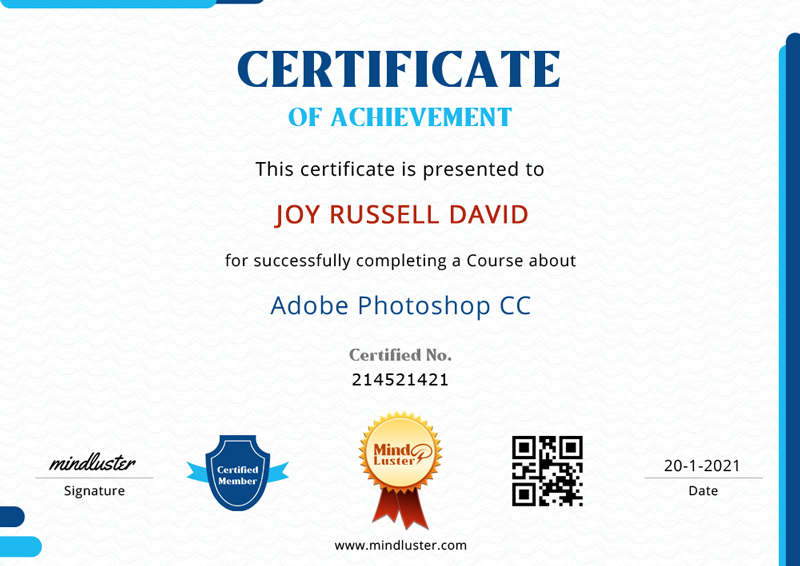
How to Get The Certificate

  • You must have an account Register
  • Watch All Lessons
  • Watch at least 50% of Lesson Duration
  • you can follow your course progress From Your Profile
  • You can Register With Any Course For Free
  • The Certificate is free !
Lessons | 5


We Appreciate Your Feedback

Be the First One Review This Course

Excellent
0 Reviews
Good
0 Reviews
medium
0 Reviews
Acceptable
0 Reviews
Not Good
0 Reviews
0
0 Reviews

Our New Certified Courses Will Reach You in Our Telegram Channel
Join Our Telegram Channels to Get Best Free Courses

Join Now

Related Courses

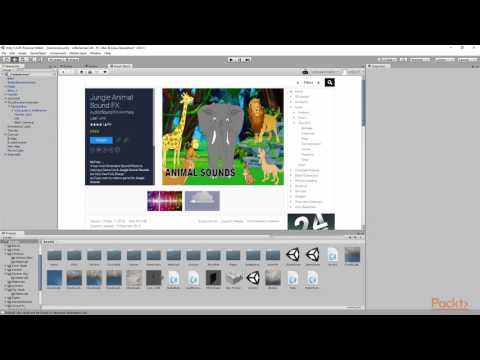
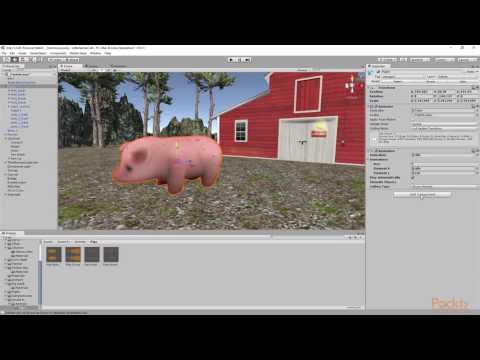
To play sounds in Unity, you use an AudioSource and an AudioClip. An AudioSource is what will actually play the sound in 2D or 3D space. In 3D space, the sound's volume can vary based on how far the AudioSource is from the object listening to it .